 OmniDoc Document Extraction
 / Convert PDF to Markdown for free
Convert PDF to Markdown for free
Turn a PDF into clean Markdown: chapter headings become #, ## by level, paragraphs keep their order, tables become Markdown tables, and images go into the images/ folder and are referenced from the text.
Upload a PDF to convertDesktop app: no page limitUp to 501 pages per PDF and no monthly cap; free jobs wait in a queue. For longer files or when you are in a hurry, the OmniDoc desktop app has no page limit and no queue.
Why not just copy the text out of the PDF
Text in a PDF is placed by page coordinates, so copying it often breaks lines, mixes headers and footers into the text, interleaves two columns and turns tables into a run of numbers.
OmniDoc first analyses the layout to tell headings, body text, tables, images and headers and footers apart, then writes everything out in reading order. The Markdown can go straight into notes, a knowledge base or an AI assistant.
How it works
Upload the file
Sign in with an OmniDoc account and drop the file on the page.
Start the extraction
PDF files, scans and images go through layout analysis, text recognition and table recognition; Office files, e-books and web pages are parsed directly.
Download the result
Download a ZIP file with Markdown, JSON and the images. The job runs in the background, so you can close the page.
Example
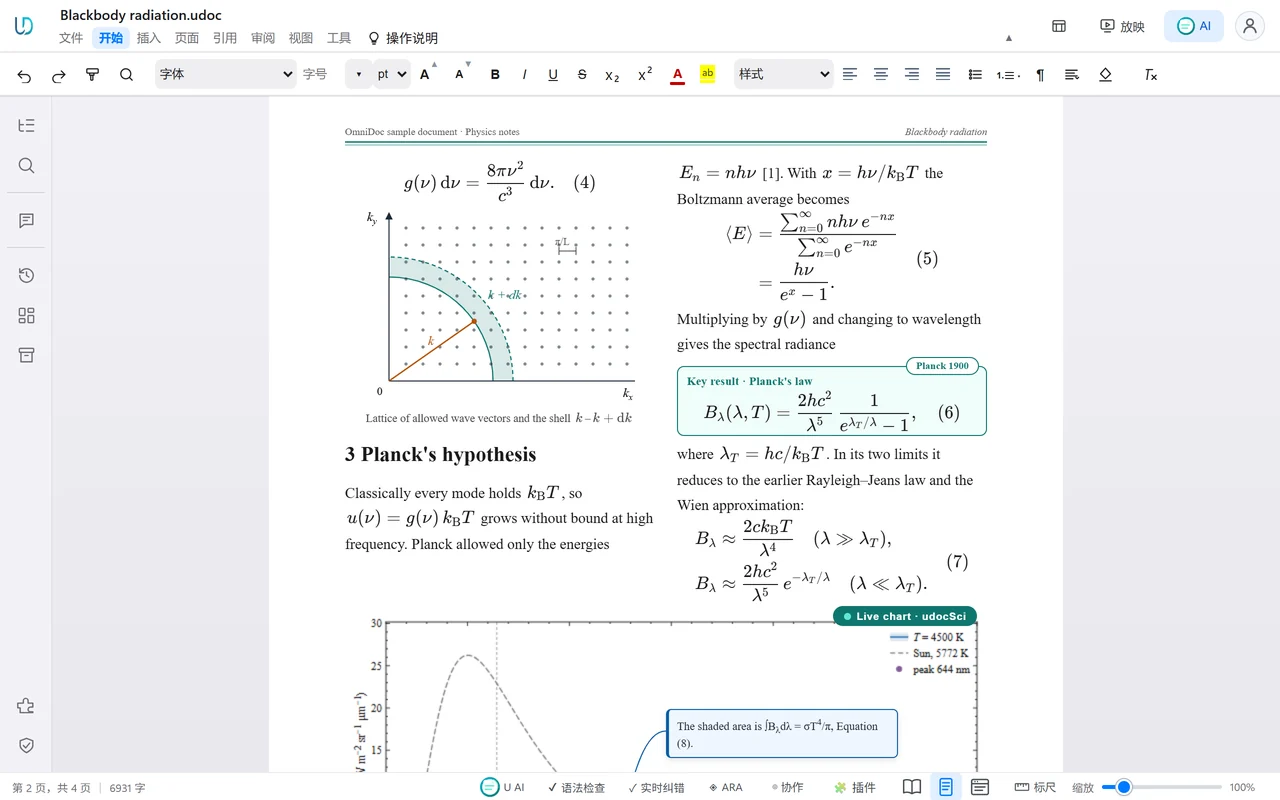
What is in the ZIP file
document.md | The full text as Markdown |
document.json | Structured data in reading order |
images/ | The pictures of the document, saved separately |
manifest.json | A list of the files with basic information |
The OmniDoc desktop app
The free desktop app for Windows, macOS and Linux opens, edits and saves files on your own computer.
10,000 pages, and typing still keeps up
Edit a document of more than 10,000 pages as easily as a short one: each keystroke is laid out in about 9 ms, and jumping to any page takes about 3 ms.
100% classic Office XML support
.docx, .xlsx and .pptx open and save natively and stay standard Office files; formulas, charts and pivot tables keep working.
China's new national-standard formats
Open and edit OFD (GB/T 33190) and convert it to and from PDF; GB/T 7714—2015 references, a GB/T 7713.1 thesis template and the official-document numbering 一、(一)1.(1)① are built in.
Questions
Can papers with several columns be converted?
Yes. Layout analysis joins two or three columns of text in reading order, so lines from different columns are not mixed.
What happens to formulas?
Formulas in the text layer are written out as they are; check complex formulas against the original.
Can I give the Markdown to an AI directly?
Yes. document.md can be pasted into an AI assistant directly; document.json keeps the structure of paragraphs and tables and suits retrieval (RAG).
Do I need an account?
Yes. Sign in with an OmniDoc account; signing up is free. Only you can see the files you upload and their results.
What are the limits of the free version?
Up to 501 pages per PDF and no monthly cap; free jobs wait in a queue. For longer files or when you are in a hurry, the OmniDoc desktop app has no page limit and no queue.
Try it now
Up to 501 pages per PDF and no monthly cap; free jobs wait in a queue. For longer files or when you are in a hurry, the OmniDoc desktop app has no page limit and no queue.
Upload a PDF to convertGet the desktop app